
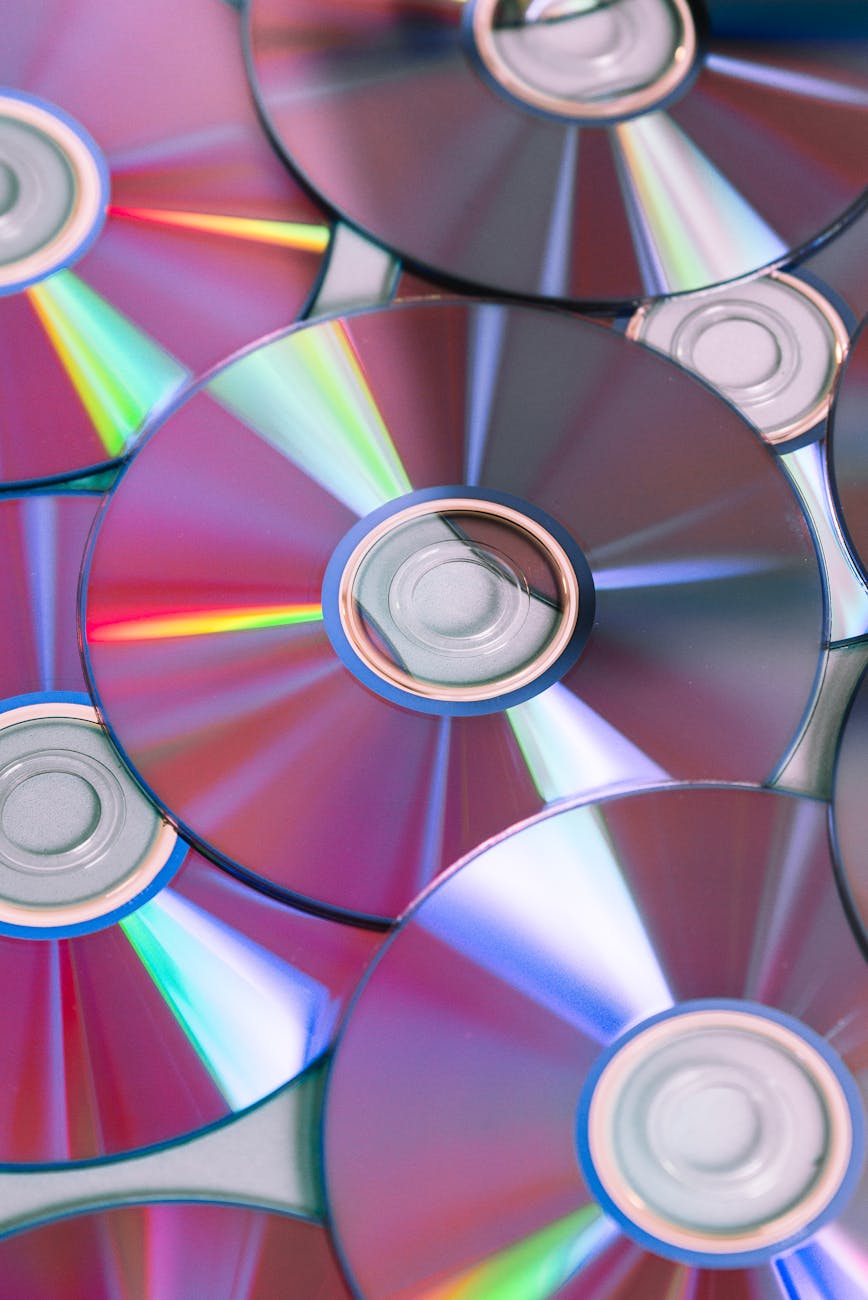
Numerous options exist for burning CDs and DVDs. While I prefer to use a polished authoring solution for movies I plan to watch, CDBurnerXP Pro does the trick for most other burning needs. It creates audio CD’s with or without the standard 2-second pause between tracks, it create or burn ISO files, and makes bootable discs. Pile on a few audio features, like ID3-tag editing, wav-to-mp3 conversion, and cover printing for labeling cases, and you’ve got a no-nonsense solution for backing up files to CD or DVD. Sure, there’s no full fledged audio and video editor built in to this burner, but you also won’t get the frustrating incompatibilities found with some burning software either. No bloat, just a good clean burn. The app is compatible with all versions of Windows released from 98 on, although some features are specific to newer versions of Windows like XP and Windows 7.
Note: The CDBurnerXP software is no longer being developed. The company that originally made it, Canneverbe Limited, continues to make it available for download.




