How do I redirect my RSS feed to FeedBurner from IIS? I don’t see the .htaccess file people refer to for Linux servers.
Assuming you have access to the IIS Management Console, redirecting a file is relatively easy. If your hosting provider doesn’t allow access to the management console, you’ll need to find out what options are available for redirection. Many Web hosts provide a GUI called Plesk that includes support for things like file redirection, Web stats and mail configuration. If you can’t redirect the file yourself take a serious look at dumping the provider and submit a trouble ticket asking them to do the redirect for you. From the IIS Management Console, the process of redirecting your feed is straightforward.
Expand your site tree in IIS and locate the RSS XML file in your site hierarchy.
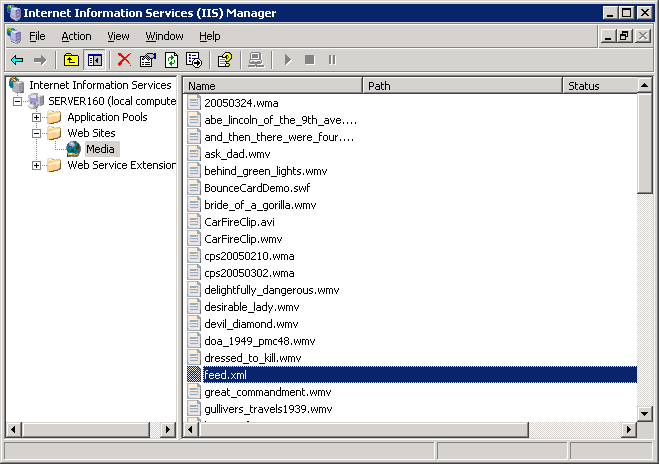
Right-click the file and choose properties.
From the file tab, select the A redirection to a URL radio button. Type in the URL for your FeedBurner feed. Check the boxes for The exact URL entered above and A permanent redirection for this resource.

Make sure you aren’t creating an infinite loop situation by pulling your RSS feed from the same feed you are redirecting. See the tutorial on redirecting your podcast RSS feed for more details.