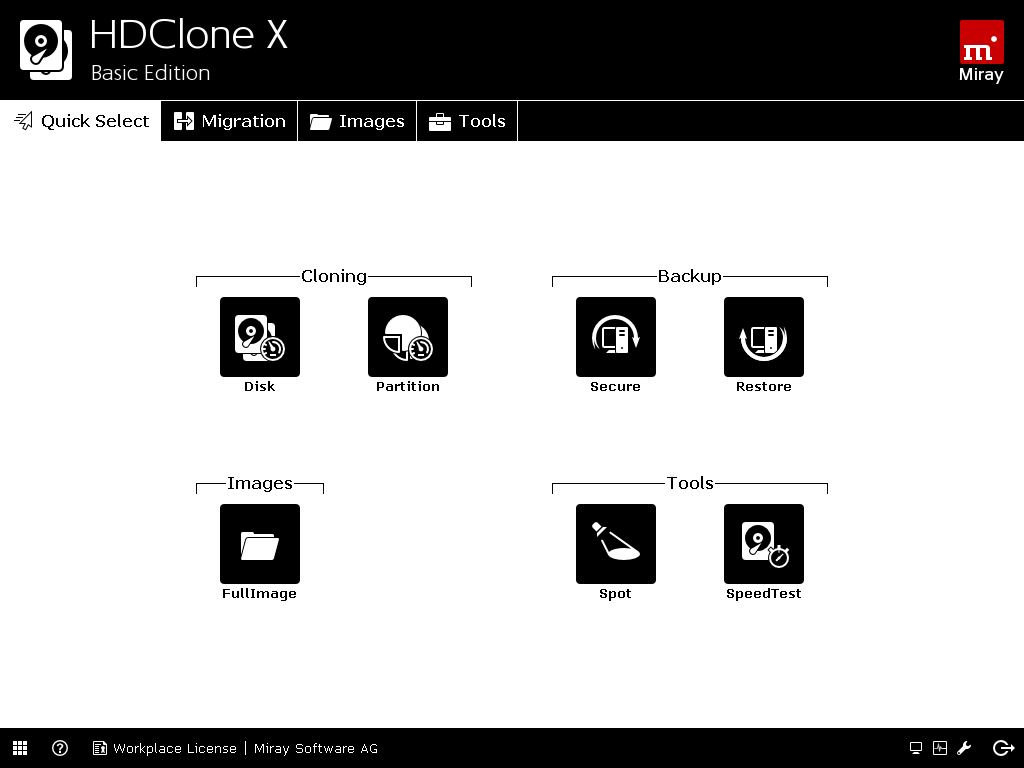
When you outgrow your hard drive and acquire a new one you need an easy way to move all your stuff. Sure you can copy files and folders one or a few at a time, but that doesn’t handle transfer of all your apps and settings from the smaller drive to your new big drive. HDClone handles this transfer process automatically, cloning the original drive to the new drive. HDClone creates a bootable disk with an operating system on a floppy, CD or USB drive. Before transfer, create the bootable drive, and then reboot to the HDClone OS for a graphical user interface for drive cloning. HDClone is compatible with IDE, ATA, and SATA drives (both internal and USB connected). The only downside is the HDClone OS does not support USB mouse or keyboard interfacing, so you will need to make sure you have the PS/2 connector stuff on hand. More advanced versions of HDClone are also available, but the free version is effective for most hard drive transfers. [Windows / LInux $0.00]