Amazon S3 became my primary solution for hosting images and download files over a year ago. It’s also become an excellent place for me to post videos when I do projects for other people. What isn’t so great about S3 is the lack of tools for getting data in to S3. For months I relied on the Firefox S3Fox plugin, which creates a sort of FTP-like interface for Amazon S3 in a Firefox browser window. Upgrades of Firefox periodically break this plugin, making it unavailable for uploading files at times. I tried various pay solutions and found them all to be largely worse than using S3Fox.
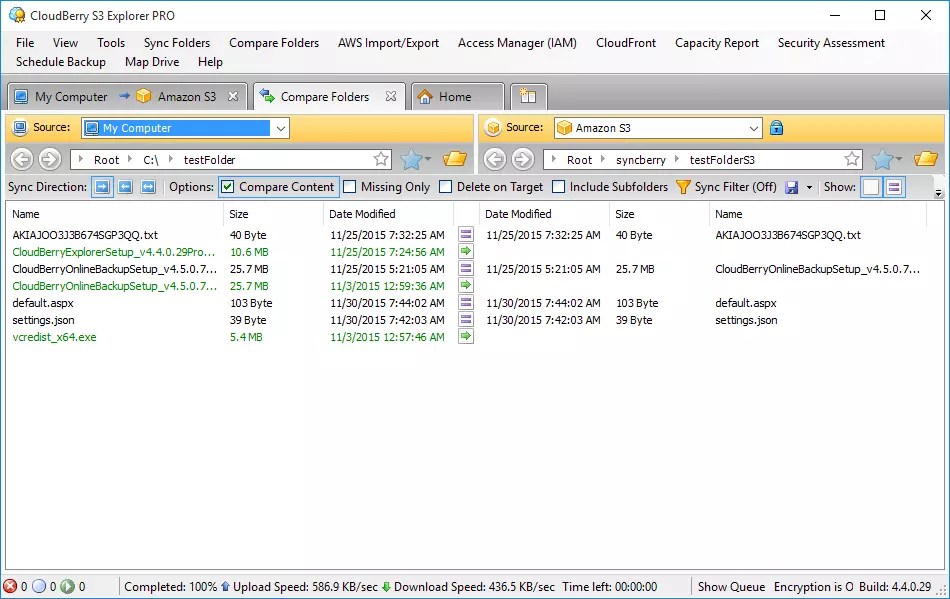
Recently I started using CloudBerry Explorer for Amazon S3, which is free and does everything I need to get files from my PC to the Amazon S3 service. Like S3Fox, CloudBerry functions like an FTP client, except CloudBerry is a standalone application. Batch uploading is supported, you can configure permissions on files from CloudBerry, and overall I find CloudBerry Explorer to be far more reliable than S3Fox. The key limitation for uploads is file size – if you need to upload files bigger than 5GB, you will want to upgrade to the Pro version, which also includes encryption, support for multiple accounts and a sync between local files and Amazon S3. [Windows/macOS $0.00]
Download CloudBerry Explorer for Amazon S3