
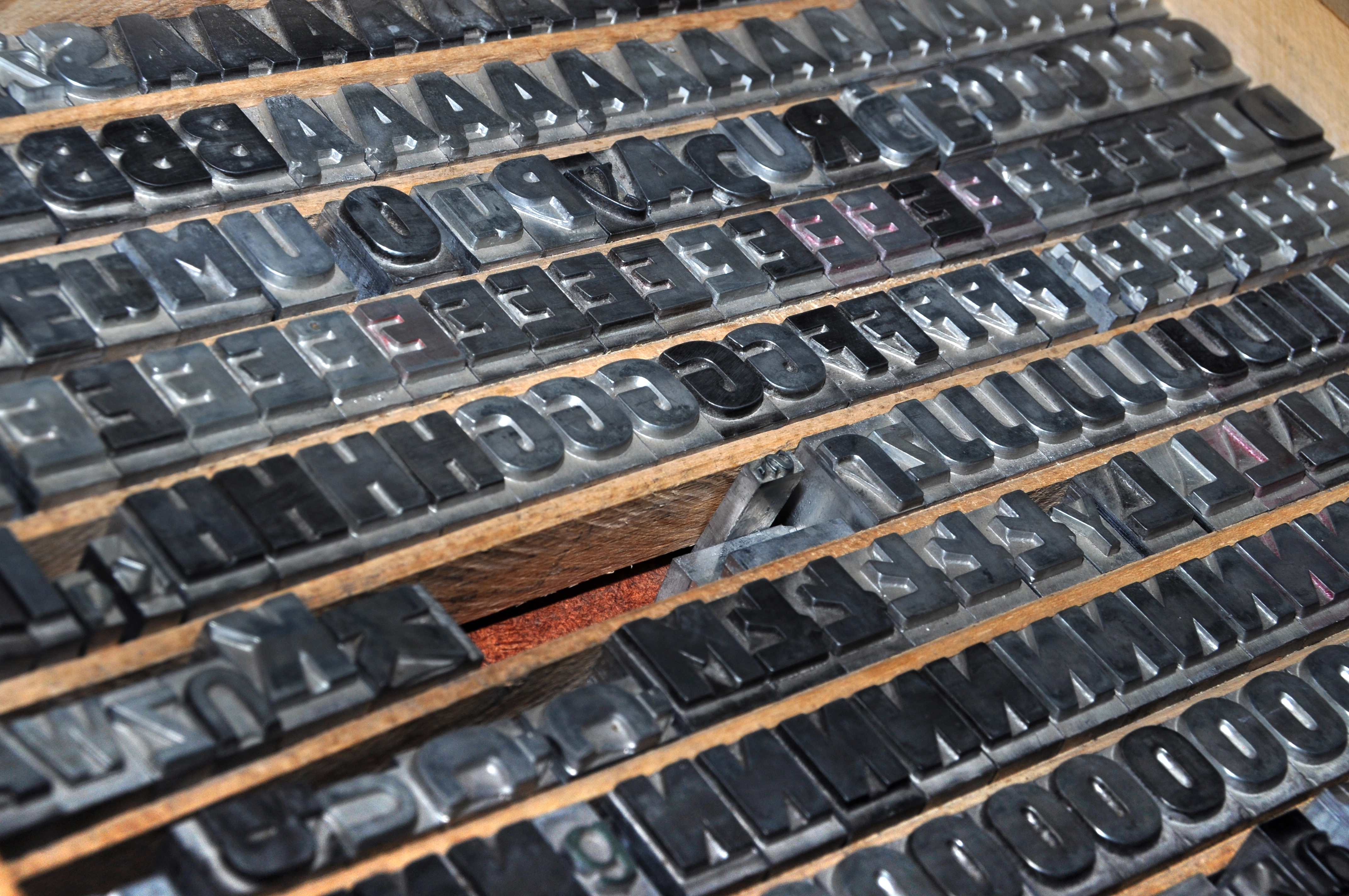
If you use Windows or Microsoft Office, you have access to around 200 pre-installed fonts. Depending on which other apps you installed on your system, having 500 or more fonts isn’t uncommon. So what would you do with over 30,000 fonts? Or maybe just 1001 fonts? Besides potentially overwhelm apps that use fonts by loading them all into memory, you might end up spending all day trying to find the right one.
Luckily you don’t need to install all of them at once. 1001Fonts.com is the place to go for those 30,000 fonts. Over 5,000 fonts are available free for commercial use, which means you can use them in freelance projects. Fonts range from variation on more standard type sets to custom fonts rarely seen outside of concert posters.
Most of the fonts I looked at on the site are TrueType fonts (TTF), which makes them compatible in any app that supports TTF, including Adobe Illustrator and Photoshop, as well as a long list of others. Plenty of OpenType (OTF) fonts are also available for either free or commercial use.

Find new fonts at 1001 Fonts or another great resource like Chank. Your typographic projects will thank you.



