
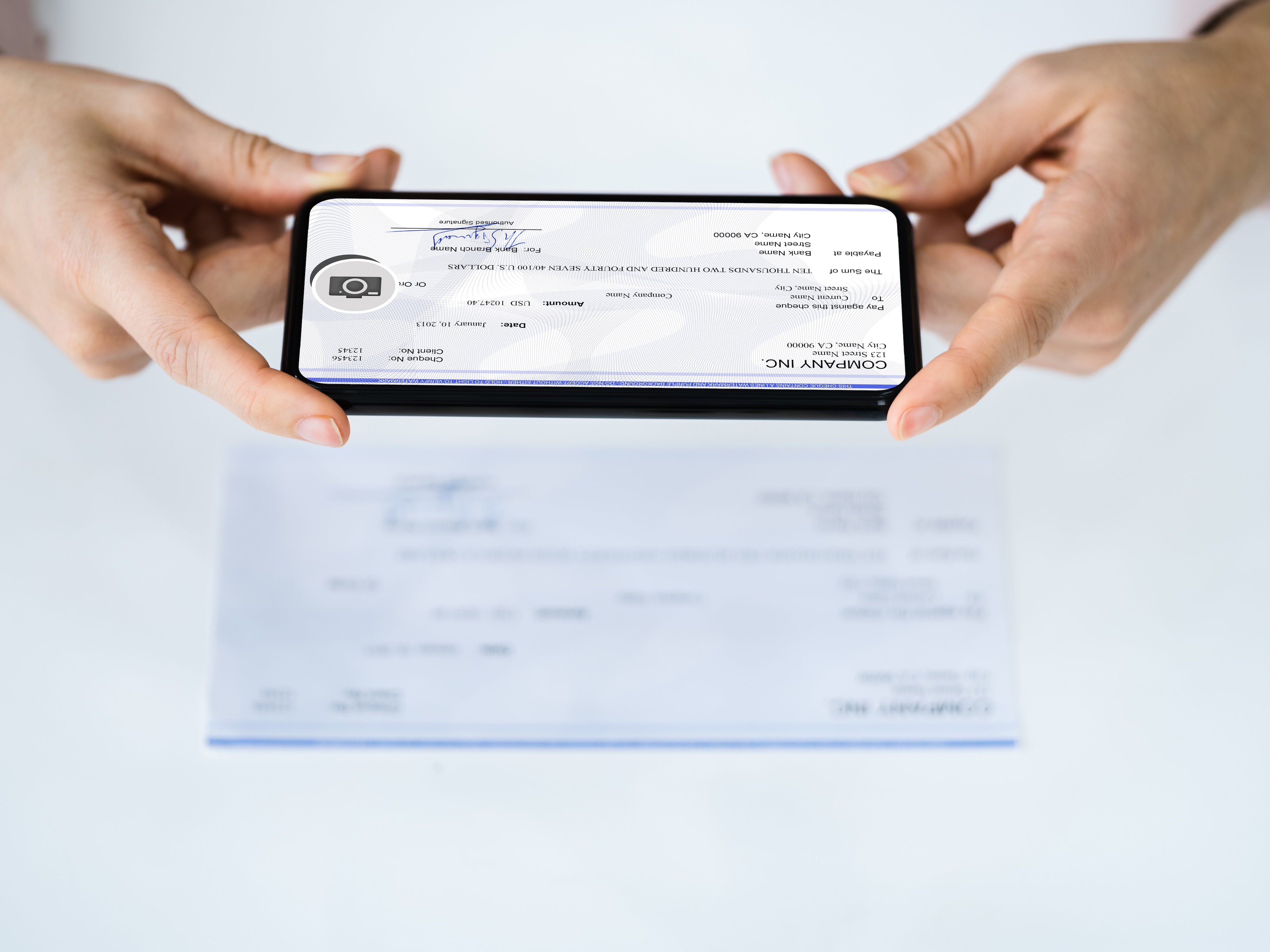
“I almost never need to scan documents, so I don’t own a scanner. Today I need to scan in something I signed, can I just use my digital camera as a document scanner since a scan is a picture?”
My own approach to document scanning has changed over the years. I previously used a digital camera to do my infrequent scanning before phone cameras improved in quality.
Now my approach is either avoid scanning completely or using an app on my phone.
Avoiding the need to scan documents
My preferred option is to ask the person who requested the document for a digital signing option. Docusign is the most well known option for this, but there are a number of others. If you can do most of the paperwork for something as sensitive as buying a house without needing a “wet” signature, there aren’t many other instances where you should be required to sign and scan.
When a digital signature simply isn’t an option, after I’ve signed the piece of paper I use an app on my phone to scan documents.
Options for scanning documents with your phone
If you’ve ever deposited a check with your phone, you’re already familiar with using your phone to scan documents. Too bad banking apps don’t include scanning other files as one of their app features.
My limited document printing is done on an HP printer. I have the HP Smart app to manage that printer. HP Smart also includes a Camera Scan option, which can scan one or more pages that you then either save to your phone, send to your email, or include as an attachment in your favorite messaging app.
The good news is you don’t need an HP printer to use the scanning option.
I like HP Smart because it does a great job of detecting the edges of the document and correcting if the page has any creases from being folded.
There are plenty of other scanning apps available in Google Play Store or Apple’s App Store. I find most of them frustrating because they either include aggressive advertising or constantly nag you to upgrade to a paid version. I fully understand that the apps need to make money, but they are a little over the top.
If you have an iPhone, the Notes app actually does a pretty solid job of scanning documents. You create a new note, tap the paperclip icon and choose Scan Documents from the menu to start scanning. When you’re finished scanning, it creates a PDF of the scanned pages that you can export to any other application.
I’m not familiar with a similar built-in scanning capability for Android that is equally easy to export later, though Android does have many apps that include scanning functionality in the Play Store.
What’s your favorite app for scanning documents?



