
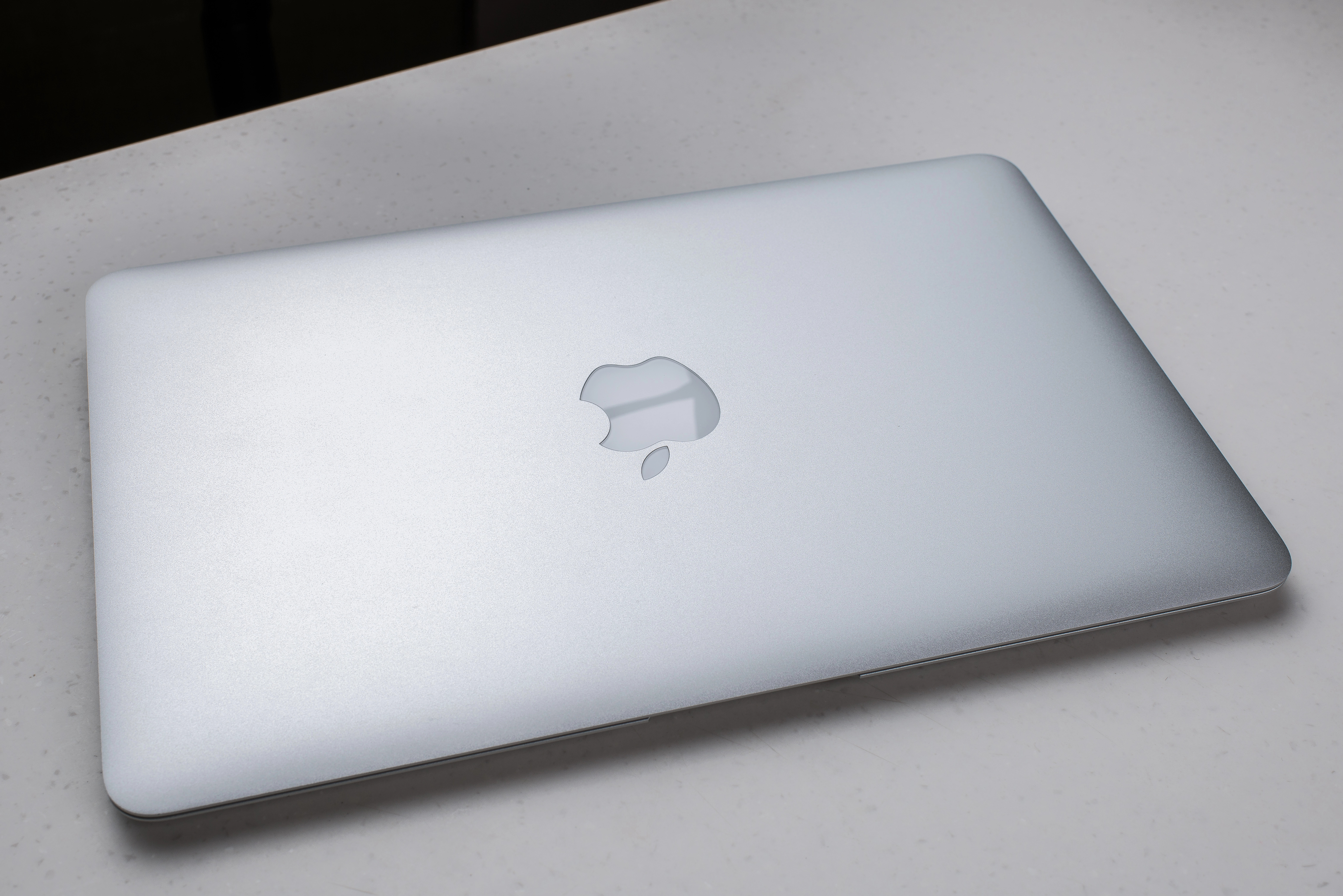
“A friend of mine suggested I could use my HDTV as a monitor for my Mac. How can I connect my Mac to my HDTV to watch movies and browse my video library from the couch?”
Connecting your Mac to your HDTV is surprisingly simple. All you need is the right cable and you’re most of the way there. Depending on how new your Mac is, you’ll need to get one of a couple different adapters. All recent Mac hardware uses either Thunderbolt via USB-C ports or some MacBook Pro laptops have HDMI connections. The adapters are available directly from Apple or can be found on Amazon.com. If you have a much older Mac, you might have a Display Port or DVI connection.
If your Mac has an HDMI connection, you simply use the same cable you connect any other devices. If your Mac only has USB-C ports, you’ll want a cable that has HDMI on one end and USB-C on the other end like the one pictured below.

Amazon has quite a few options for HDMI to USB-C.
Both HDMI-to-HDMI connections or HDMI-to-USB-C connections support both video and audio, so you only need a single cable to connect from your Mac to your screen.
Connecting an Older Mac to your HDTV
HDTV screens occasionally offer DVI as a connection option, but more typically rely on HDMI for making a digital connection to set top boxes, game consoles, and other hardware like your Mac. The big decision you need make is whether to get a cable that already has one HDMI end and one DVI end, or whether you plan to purchase an HDMI cable and HDMI-to-DVI adapter. If you need to choose this route, you will also need to connect audio to your HDTV using a separate cable because DVI does not support audio.
The best way to get the cable and/or the HDMI-to-DVI adapter is to find an online retailer because local retailers typically only carry overpriced HDMI cables. More details on how to avoid overpriced cables.
Watch the video for details on how to connect your Mac to your HDTV.
If you have some problems in connecting your Mac to an external display, be sure to checkout this Mac external display troubleshooting guide.



